
How to Choose the Right Phone Cooler for Gaming

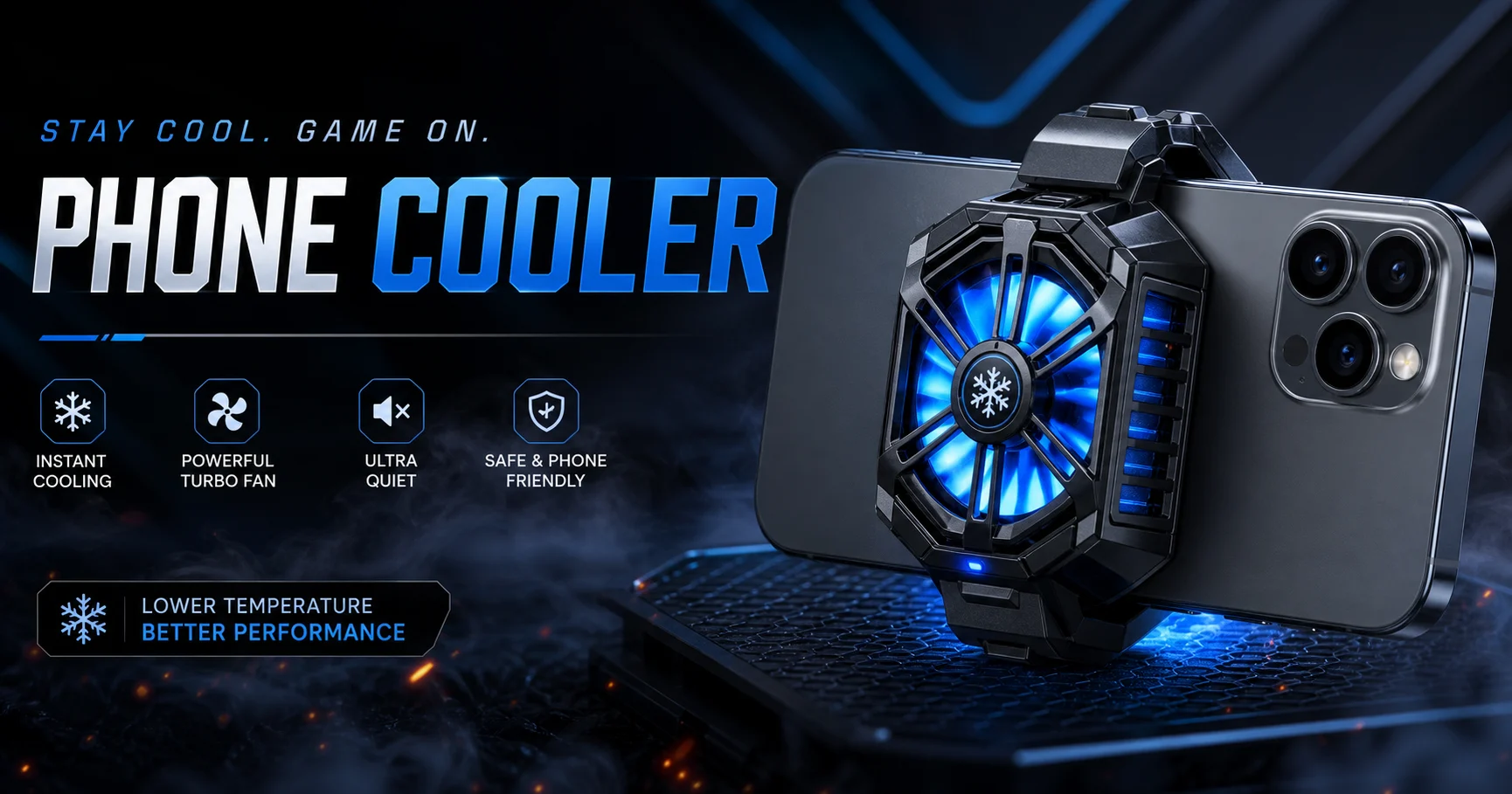
Mobile gaming puts several parts of a phone under pressure at the same time. The processor and graphics chip work harder, the display stays bright, the internet connection remains active, and many players charge their phones while playing. As heat builds up, some devices reduce performance to protect their internal components.
A phone cooler can help move heat away from the back of the device during long gaming sessions. However, choosing one based only on fan speed, RGB lighting or a large wattage number can lead to a poor fit. The cooler also needs to match the phone, mounting position, power source and way the user normally plays.
This guide explains how to choose a phone cooler without confusing useful cooling features with marketing claims.
What Is a Phone Cooler?
A phone cooler is an external accessory designed to reduce heat around the back of a smartphone. It is normally attached near the area where the phone’s processor and battery generate noticeable warmth.
Most products use one of two cooling systems.
A basic mobile cooling fan creates airflow across the phone’s back surface. This can help disperse heat, particularly when the room is not already very hot. Fan-based models are usually lightweight and require relatively little power.
A semiconductor phone cooler uses a thermoelectric cooling plate, often called a TEC or Peltier plate. One side of the plate becomes cold while heat is transferred to the other side, where a fan and heatsink release it into the surrounding air. This method can cool the contact area more actively than airflow alone.
Neither system changes the phone’s internal cooling design. The cooler works from outside, so correct placement and direct surface contact remain important.
Does a Phone Cooler Actually Work?
A well-positioned cooler can help control surface heat during demanding tasks. Its impact is usually more noticeable during long gaming sessions, high-graphics gameplay, live streaming, video recording or gaming while charging.
Keeping the phone cooler may also reduce how quickly thermal throttling begins. Thermal throttling happens when a device lowers processor performance to control temperature. This may appear as frame-rate drops, screen dimming or slower charging.
The result will not be identical on every phone. A device with a plastic back, thick case or unusual processor position may transfer heat differently from one with a flat glass or metal back. Room temperature, game settings, mobile network use and background applications also affect the result.
A phone cooler should therefore be treated as a thermal-management accessory, not a guaranteed FPS booster. It cannot repair a damaged battery, faulty charging circuit or internal hardware problem.
Main Types of Phone Coolers
The right type depends on how often you play, how hot the phone becomes and where you use it.
| Cooler type | How it works | Main advantage | Limitation | Suitable for |
|---|---|---|---|---|
| Fan-only cooler | Moves air across the phone’s back | Lightweight and uses less power | Cooling is relatively limited | Casual gaming |
| Semiconductor cooler | Uses a cold plate, heatsink and fan | More active surface cooling | Usually needs continuous external power | Long gaming sessions |
| Magnetic cooler | Attaches using a magnetic surface or ring | Quick to install and remove | Not every phone supports direct magnetic mounting | MagSafe and magnetic-ready phones |
| Clip-on cooler | Uses an adjustable spring clip | Works with a wider range of devices | May interfere with buttons or camera modules | Android and non-MagSafe phones |
| Battery-powered cooler | Uses a built-in or detachable battery | Can operate without a cable for a limited time | Adds weight and requires recharging | Portable gaming |
The cooling method and mounting method are separate decisions. For example, a semiconductor cooler may use either magnetic attachment, a clip or both.
Fan-Only vs Semiconductor Phone Cooler
A fan-only cooler can be enough for shorter sessions or phones that become only moderately warm. It is generally easier to carry and does not place as much demand on a charger or power bank.
Semiconductor cooling is better suited to users whose phones become noticeably hot during competitive or graphics-heavy gaming. The cooling plate makes direct contact with the device and can remove heat more aggressively from that area.
The trade-off is power consumption. A semiconductor cooler may not reach its intended performance when connected to a weak USB port or unsuitable adapter. Some high-power models require a particular voltage and current, so the cooler’s input specification should be checked before purchase.
More cooling power is not automatically better for every user. A lightweight device used for casual gaming may feel more comfortable with a compact cooler, while a higher-power model may make sense for someone who plays for several hours at a time.
Magnetic vs Clip-on Phone Cooler
Magnetic phone coolers are convenient because they can be placed and removed quickly. MagSafe-compatible iPhones can support magnetic attachment directly, although the exact position still needs attention.
Many Android phones require a magnetic ring or compatible case. The ring should be installed on a clean, flat surface and positioned so that the cooler sits over the phone’s warm area. Users should also check whether the ring affects wireless charging or another accessory.
A clip-on phone cooler offers broader compatibility. The clip holds the cooler against phones that do not have a magnetic back. This is useful when the same cooler will be shared across several devices.
Clips introduce their own practical issues. A wide camera module, curved back, side-mounted button or thick protective case can prevent the cooler from sitting correctly. The clip should feel secure without putting excessive pressure on the phone.
A dual-mount model is a sensible option for users who want magnetic attachment on one device and clip mounting on another.
Seven Things to Check Before Buying a Phone Cooler
1. Phone size and back design
Start with the physical fit. Check the supported phone width if the cooler uses a clip. Look at the camera position, side buttons and shape of the back panel.
The cold plate needs a reasonably flat contact area. A large camera bump can prevent the cooler from sitting in the ideal position.
2. Location of the heat
The hottest part of a phone is not always in the exact centre. Processor placement differs between devices, so feel where the back becomes warm during gaming and compare that position with the available mounting area.
Moving the cooler slightly can sometimes make a larger difference than increasing fan speed.
3. Cooling technology
For casual gaming and moderate warmth, a simple fan may provide enough airflow. For longer sessions and heavier games, a semiconductor phone cooler normally offers more active cooling.
Product names such as “radiator,” “frozen” or “ice cooling” should not replace the technical specifications. Check whether the product actually contains a semiconductor cooling plate.
4. Power requirement
Review the required input before connecting the cooler. A model designed for higher-voltage operation may run at reduced performance from a basic 5V USB source.
Also consider where the power will come from. A wall charger may be suitable for gaming at home, while a power bank provides more freedom. If portability is essential, a battery-powered cooler may be more convenient despite its added weight.
5. Case thickness
A thick phone case creates another layer between the cooler and the device. This can reduce heat transfer, especially with a semiconductor plate.
Removing the case often improves contact, but the phone should still be protected from scratches and excessive clip pressure. A slim magnetic-compatible case may work with selected models, provided the cooler sits securely.
6. Weight and hand position
A large cooler can change the balance of the phone. This matters during long handheld gaming sessions.
Consider where your fingers rest, whether the power cable blocks movement and whether the cooler makes the device uncomfortable to hold. Users who play with a controller or phone stand may be less affected by additional weight.
7. Noise and control options
High fan speed can produce more noise. This may not matter when using earphones, but it can be distracting during voice chat, recording or streaming.
Adjustable speed modes allow users to balance cooling and noise. A temperature display can be useful, although it usually shows the cooler’s sensor or plate temperature rather than the phone’s exact internal temperature.
RGB lighting is mainly a visual feature. It should not be treated as evidence of stronger cooling.
Which Phone Cooler Suits Your Gaming Style?
A casual player who spends short periods on lighter games may not need a large semiconductor system. A compact fan or entry-level semiconductor model can be easier to carry and hold.
Competitive players running demanding titles at high graphics or frame-rate settings should place more importance on cooling contact, stable power and fan control. A stronger cooler can be useful, but only when the phone and charger support the setup properly.
Someone who uses both Android and iPhone devices may benefit from a cooler that includes magnetic and clip mounting. A magnetic-only model can become inconvenient when moving to a non-compatible phone.
Portable gamers should consider how they will power the cooler away from a wall outlet. A power bank is flexible but adds another cable. A battery-equipped cooler reduces cable dependence for a limited period, although the complete setup will usually be heavier.
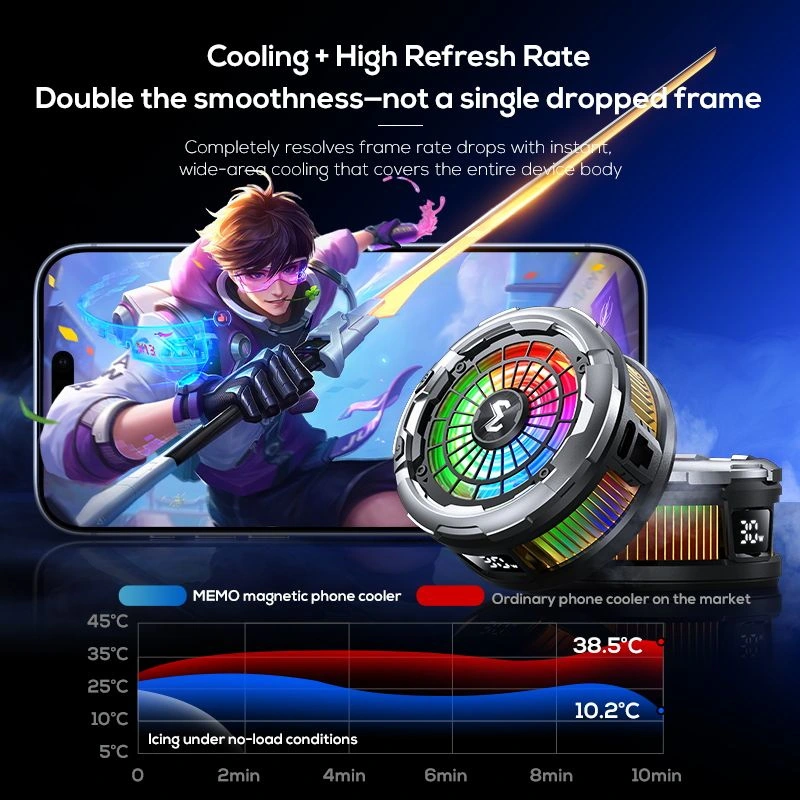
Examples of Different Phone Cooler Designs
The current Zesan Enterprise collection includes models designed around different user needs.
The MEMO CX06 Magnetic Phone Cooler combines magnetic and clip attachment. This type of dual-mount design is relevant to users who may switch between compatible and non-magnetic phones.
The MEMO CX12 Mobile Cooler Radiator with Battery includes a detachable battery for limited cable-free operation. It illustrates the trade-off between portability and additional size or weight.
The MEMO CX26 High Power Magnetic Phone Cooler is positioned for users who want higher-power semiconductor cooling and more detailed control.
These examples are not interchangeable. The better choice depends on the device, gaming duration, mounting preference and available power source. You can compare the available phone coolers in Bangladesh after deciding which type fits your setup.
How to Position a Phone Cooler Correctly
Remove dust from the phone and cooler contact surfaces. If the case is thick or prevents direct contact, take it off before attaching the cooler.
Run a demanding game for a few minutes and identify where the back becomes warm. Position the cooling plate close to that area without covering the camera or pressing a side button.
Make sure the clip or magnetic connection is stable. The cooler should not slide when the phone is moved. Connect the recommended power adapter and start with a moderate setting before increasing the fan speed.
Avoid covering the cooler’s air intake or exhaust with your hand, pillow, clothing or gaming stand. The hot side must release heat into open air for the cold side to work properly.
How to Use a Phone Cooler Safely
Use a power adapter and cable that meet the product’s stated requirements. A damaged cable, loose connector or unsuitable adapter can create unstable operation.
Do not attach the cooler to a wet phone or use it where water can enter the fan or charging port. Strong semiconductor cooling in a humid environment may create moisture on or around the cold plate. If condensation appears, switch the cooler off, disconnect it and allow both the phone and cooler to dry completely.
Avoid placing the cold plate directly over a raised camera lens. The cooler should also not bend the phone or apply excessive pressure through a tight clip.
Stop using the device if the battery appears swollen, produces an unusual smell or becomes dangerously hot. An external cooler cannot make a damaged battery safe.
Children should not handle a powered cooler without supervision because the fan, cable and cold surface may create avoidable risks.
Common Phone Cooler Mistakes
One common mistake is leaving a thick case between the cooler and phone. The fan may still run, but heat transfer through a semiconductor plate can be reduced.
Another is using an underpowered USB source. The cooler may light up and spin without reaching its intended cooling level.
Incorrect placement is equally common. Attaching the cooler to the centre of the phone is not always effective if the main heat source is located closer to the camera or one side of the device.
Some users also block the cooler’s exhaust while gripping the phone. This prevents the heatsink from releasing heat efficiently.
Finally, buying solely for the highest wattage can create an uncomfortable setup. Compatibility, mounting stability and real power availability are just as important.
Quick Phone Cooler Buying Checklist
| Check | What to confirm |
|---|---|
| Mounting | Magnetic, clip-on or dual mounting |
| Compatibility | Phone size, back design and camera position |
| Cooling system | Fan-only or semiconductor |
| Power input | Required voltage, current and adapter |
| Contact area | Flat placement near the main heat source |
| Weight | Comfortable for the intended gaming duration |
| Noise | Fan-speed control or operating modes |
| Portability | Wall adapter, power bank or built-in battery |
| Case use | Direct contact or compatible thin case |
| Safety | Clear airflow and no condensation risk |
Final Thoughts
Learning how to choose a phone cooler comes down to four practical questions: Does it fit the phone? Can it sit over the main heat source? Is the available charger powerful enough? Will the added weight remain comfortable during gaming?
A compact dual-mount cooler can be more useful than a larger model that does not fit correctly. On the other hand, players who regularly run demanding games for long periods may benefit from a properly powered semiconductor cooler with stable mounting and adjustable controls.
Decide on the cooling type and mounting system first. Product comparisons become much easier once those two requirements are clear.
Frequently Asked Questions
Does a phone cooler improve gaming performance?
A phone cooler may help a device manage heat and delay thermal throttling during demanding gaming. The result depends on the phone, game, room temperature, cooler placement and power source. It does not guarantee a specific FPS increase.
Is a semiconductor phone cooler better than a normal fan?
A semiconductor cooler generally provides more active surface cooling than a fan-only model. A normal fan can still be suitable for shorter sessions, lighter games and users who prefer a smaller, lower-power accessory.
Can I use a magnetic phone cooler on an Android phone?
Yes, if the Android phone supports magnetic attachment or an appropriate magnetic ring or case is used. Check that the ring does not interfere with the camera, wireless charging or other accessories.
Should I remove the phone case before using a cooler?
Removing a thick case usually provides better contact between the cooler and phone. A thin compatible case may work with selected models, but direct contact is generally more effective for semiconductor cooling.
Can I use a phone cooler while charging?
Many phone coolers can operate while the phone is charging. However, gaming and charging together may generate additional heat. Use suitable chargers and undamaged cables for both devices.
Can a phone cooler create condensation?
A powerful semiconductor cooler may create condensation in warm and humid conditions. Stop using it if moisture appears and allow the phone and cooler to dry fully before reconnecting them.
Does a phone cooler work without electricity?
Most phone coolers require continuous USB power. Battery-powered models can operate without a cable for a limited period, depending on their battery capacity and cooling setting.
Where should I place a phone cooler?
Place it near the warmest area on the back of the phone while keeping the camera, buttons and airflow paths clear. The ideal position differs between phone models.