
Dongles & Converters Price in BD
Looking for easy connectivity solutions in Bangladesh? Zesan Enterprise’s Dongles & Converters collection covers USB-C hubs, docking stations, audio converters, OTG adapters and HDMI adapters from UGREEN, Mcdodo, Baseus, Hoco, WiWU, ACEFAST and Apple, currently priced between ৳250 and ৳12,800 depending on port count and function. Browse the live product cards below to compare current prices and features before ordering.
Showing 1–20 of 97 results
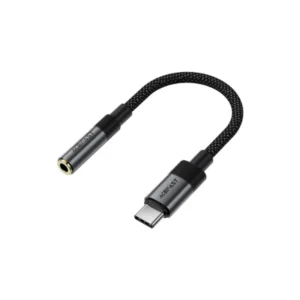
ACEFAST J12 Type-C To 3.5mm Audio Converter
Original price was: 540৳ .450৳ Current price is: 450৳ .
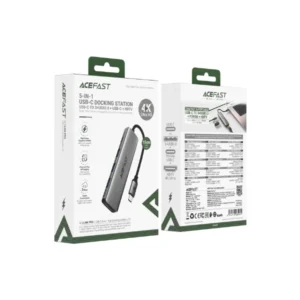
ACEFAST J16 5-in-1 USB-C Docking Station
Original price was: 1,680৳ .1,420৳ Current price is: 1,420৳ .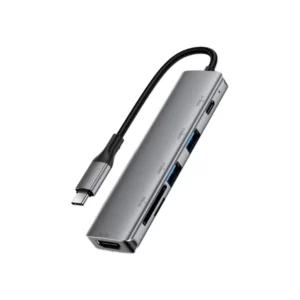
ACEFAST J18 6-in-1 USB-C Docking Station
Original price was: 2,110৳ .1,780৳ Current price is: 1,780৳ .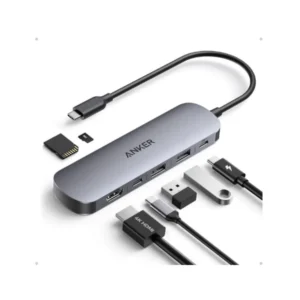
Anker Nano A83D2 7-in-1 USB-C Hub with 4K HDMI
Original price was: 3,010৳ .2,550৳ Current price is: 2,550৳ .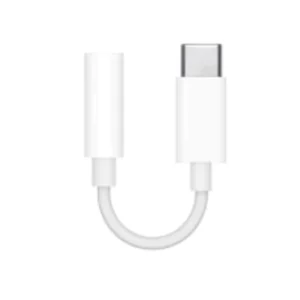
Apple USB-C to 3.5mm Headphone Jack Adapter
Original price was: 1,830৳ .1,550৳ Current price is: 1,550৳ .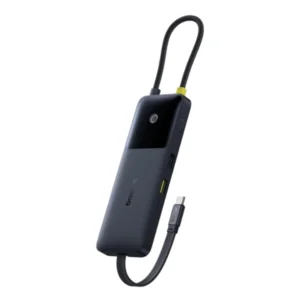
Baseus Dual Fast Charging 6-in-1 HUB
Original price was: 3,310৳ .2,799৳ Current price is: 2,799৳ .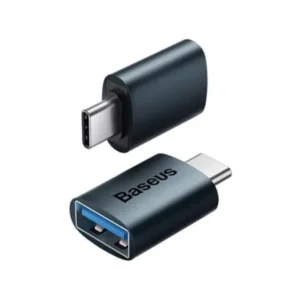
Baseus Ingenuity Series Mini USB Type-C to USB-A 3.1 OTG Adapter
Original price was: 570৳ .480৳ Current price is: 480৳ .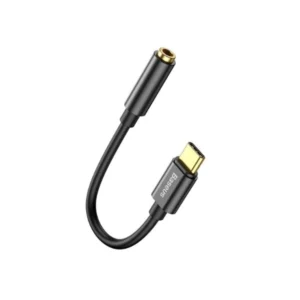
Baseus L54 Type-C Male to 3.5mm Female Adapter
Original price was: 430৳ .360৳ Current price is: 360৳ .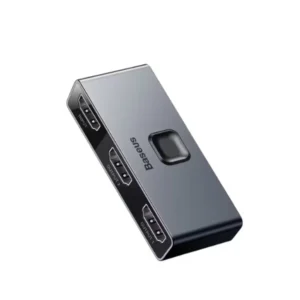
Baseus Matrix HDMI Switcher 4K HD 2-In-1 Convertor Multi Hub
Original price was: 1,360৳ .1,150৳ Current price is: 1,150৳ .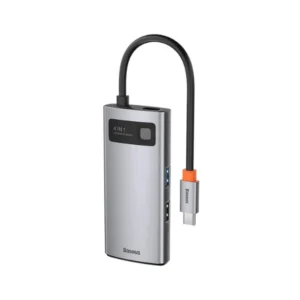
Baseus Metal Gleam 4-in-1 Type-C Hub Adapter
Original price was: 2,480৳ .2,100৳ Current price is: 2,100৳ .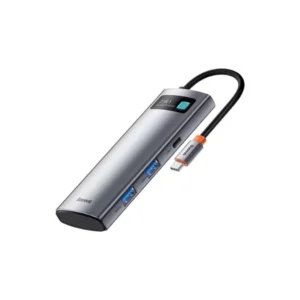
Baseus Metal Gleam 7-in-1 Type-C Hub Docking Station
Original price was: 3,660৳ .3,100৳ Current price is: 3,100৳ .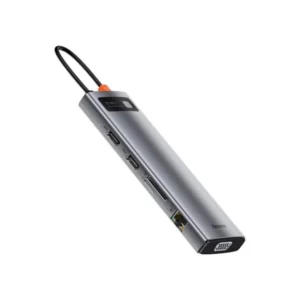
Baseus Metal Gleam Series 11 in 1 Multifunctional Type-C Hub
Original price was: 5,890৳ .4,990৳ Current price is: 4,990৳ .
Baseus Metal Gleam Series 6 in 1 Multifunctional Type-C Hub
Original price was: 3,600৳ .3,050৳ Current price is: 3,050৳ .
Baseus Metal Gleam Series 8-in-1 Type-C Hub Adapter
Original price was: 3,720৳ .3,150৳ Current price is: 3,150৳ .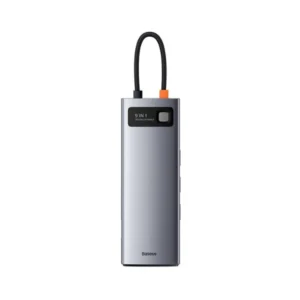
Baseus Metal Starjoy 9 in 1 Multifunctional Type-C Hub
Original price was: 4,720৳ .4,000৳ Current price is: 4,000৳ .
Baseus Mini Type-C Female to USB Male Adapter Converter (CAAOTG-01)
Original price was: 470৳ .390৳ Current price is: 390৳ .
Baseus StarJoy 5-in-1 Type-C HUB Docking Station
Original price was: 3,190৳ .2,699৳ Current price is: 2,699৳ .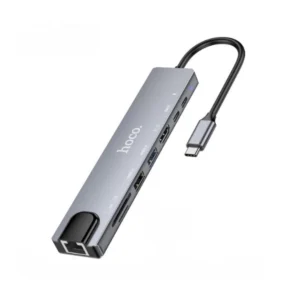
Hoco DUP09 8-in-1 Docking Hub Converter Adapter
Original price was: 2,310৳ .1,950৳ Current price is: 1,950৳ .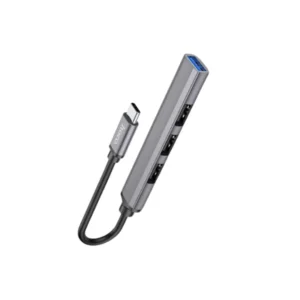
Hoco HB26 4 in 1 Type-C Mini Adapter
Original price was: 890৳ .750৳ Current price is: 750৳ .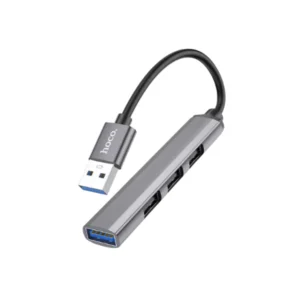
Hoco HB26 4 in 1 USB-A Mini Adapter
Original price was: 890৳ .750৳ Current price is: 750৳ .Dongles & Converters - Easy Connectivity Solutions
"Dongles and converters" is a broad category covering several different accessory types: multi-port USB-C hubs and docking stations, audio converters (Type-C or Lightning to 3.5mm), OTG adapters, HDMI/display adapters and network adapters. Whatever connection problem you have, Zesan Enterprise's dongles and converters range has a solution, priced from ৳250 for a basic OTG adapter to ৳12,800 for a premium docking accessory. Zesan Enterprise stocks this range from UGREEN, Mcdodo, Baseus, Hoco, WiWU, ACEFAST, Valdus, Joyroom, Anker and Apple.
Browse the live product cards below to compare current prices and confirm which specific function (hub, audio, OTG or HDMI) each listing provides before ordering.
USB Type C Hub Price in Bangladesh
A USB-C hub or docking station adds extra USB-A, HDMI, Ethernet, SD card or additional USB-C ports to a laptop or tablet that only has one or two USB-C ports. Zesan Enterprise's hub collection ranges from compact options like the UGREEN CM456 4-in-1 Type-C Docking Station (৳1,250) to larger multi-port hubs like the Baseus Metal Gleam Series 11-in-1 Multifunctional Type-C Hub (৳4,990) and dedicated docking stations such as the UGREEN CM841 11-in-1 Docking Station for Mac mini M4 (৳5,800).
Choosing a Hub by Port Count
- A basic 4-in-1 hub suits simple needs like an extra USB-A port and an SD card slot
- A 6-9 port hub suits users who regularly connect a monitor, ethernet cable and multiple peripherals
- A dedicated Mac mini or MacBook docking station suits a fixed desk setup with multiple permanent connections
Always check that the hub's HDMI resolution, USB version and power delivery wattage match what your laptop and monitor actually support.
Type C to 3.5mm Adapter (Audio Converter)
Since many modern phones no longer include a 3.5mm headphone jack, a Type-C or Lightning to 3.5mm audio converter allows wired headphones or earphones to keep working. Zesan Enterprise's audio converter range includes budget options like the Hoco LS36 Fresh Digital Type-C to 3.5mm Audio Converter Dongle (৳380), genuine options like the Apple USB-C to 3.5mm Headphone Jack Adapter (৳1,550), and Lightning-side options like the Mcdodo CA-501 Lightning to 3.5mm Dongle (৳950).
Audio quality and microphone support can vary between converters, since some include a built-in DAC (digital-to-analogue converter) chip while cheaper models may not.
OTG Adapter Price in BD
An OTG (On-The-Go) adapter lets a phone or tablet connect directly to USB devices such as a flash drive, mouse, keyboard or card reader. Zesan Enterprise stocks OTG adapters such as the Mcdodo OT-8730 OTG USB-A 3.0 to Type-C Adapter (৳430) and the Valdus VA26 USB-C Male to USB-A Female OTG Adapter (৳250), one of the most affordable items in the collection.
Confirm your phone supports OTG (most modern Android phones do) before relying on an OTG adapter to connect external USB accessories.
HDMI Adapter and Ethernet Adapter
For connecting a phone or laptop to a TV or monitor, Zesan Enterprise stocks HDMI adapters such as the UGREEN CM297 USB Type-C to HDMI Adapter (৳1,400) and the UGREEN US320 USB-C to HDMI Adapter (৳1,450). For a wired internet connection on devices without an Ethernet port, options include the UGREEN CM475 4-in-1 USB 3.0 Hub with 1000Mbps Ethernet Adapter (৳2,100) and the Ugreen CM255 Type-C to RJ45 1000Mbps PD Charging Adapter (৳2,590).
Which Converter Do You Need?
| Accessory type | Main function | Best for |
|---|---|---|
| USB-C hub/dock | Adds multiple ports at once | Laptop users needing HDMI, USB-A, SD and more together |
| Audio converter | Adds a 3.5mm headphone port | Phones/laptops without a headphone jack |
| OTG adapter | Connects USB accessories to a phone | Using a flash drive, mouse or keyboard on mobile |
| HDMI adapter | Outputs video to a TV or monitor | Screen mirroring or external display use |
Identify the specific function you need first, since "converter" and "dongle" cover several unrelated accessory types in this collection.
Choosing the Right Converter
Check Your Device's Ports First
Confirm whether your laptop or phone has USB-C, USB-A or Lightning, and how many ports are available, before choosing a converter or hub.
Data Speed and Resolution
For hubs and HDMI adapters, check the supported data transfer speed (USB 2.0/3.0/3.1) and maximum video resolution and refresh rate if you plan to use an external display.
Power Delivery Passthrough
Some hubs and adapters include a USB-C power delivery passthrough port, allowing you to charge your laptop while the hub or adapter is connected. Check this before assuming you can charge and use the hub at the same time.
Converter, Cable or Charger - What Do You Need?
A converter or dongle changes the connection type between devices; it does not include a wall charger or charging cable, available in the Adapters collection and Cables collection. For adding Bluetooth or WiFi to an older device, see the Bluetooth & WiFi Receivers collection.
Shop by brand: UGREEN USB Hub.
Why Buy Converters from Zesan Enterprise?
Zesan Enterprise lets buyers compare USB-C hubs, audio converters, OTG adapters and HDMI adapters from UGREEN, Mcdodo, Baseus, Hoco, WiWU, ACEFAST and Apple in one collection, with each product page showing the current WooCommerce price, stock status and specifications. This helps customers choose the correct accessory function instead of relying on a generic product claim.
Product availability and prices may change, so review the live product information before ordering. Visit the Zesan Enterprise homepage or browse the complete Type C Converter collection to compare current options.
Frequently Asked Questions
What is the difference between a dongle, a hub and a converter?
These terms overlap in everyday use. A "dongle" is usually a small single-function adapter, a "hub" adds multiple ports at once, and a "converter" generally changes one connection type into another, such as Type-C to HDMI or Type-C to 3.5mm.
Will a USB-C hub work with any laptop?
Only if the laptop's USB-C port supports the features the hub needs, such as video output (DisplayPort Alt Mode) or data transfer. Some USB-C ports are charging-only. Check your laptop's specifications before buying a hub for external displays.
Do I need an OTG adapter for my phone?
Only if you want to connect USB accessories like a flash drive, mouse, keyboard or wired card reader directly to your phone or tablet. Most modern Android phones support OTG; check your specific model if unsure.
Why doesn't my Type-C to 3.5mm adapter support the microphone on my headset?
Some low-cost audio converters only pass through audio output and do not include the wiring or DAC circuitry needed for microphone input. Check the product specifications for microphone support if you need to use a headset for calls.
Can a USB-C hub charge my laptop while I use its other ports?
Only if the hub includes a USB-C power delivery passthrough port and your charger and laptop both support the required wattage. Check the specific hub's specifications before relying on this feature.
What is the difference between HDMI and DisplayPort adapters?
HDMI and DisplayPort are different video connection standards. An adapter converts your device's Type-C or USB-A output to the specific connector your monitor or TV requires, so check which port your display actually has before ordering.
Can I use a Type-C to Ethernet adapter for a stable internet connection?
Yes, a Type-C to RJ45 Ethernet adapter is a common way to add a wired internet connection to a laptop or tablet that lacks a built-in Ethernet port, which can be more stable than WiFi in some environments.
Why is my USB-C hub not detected by my laptop?
Try a different USB-C port on your laptop, confirm the port supports data (not charging-only), check for a driver requirement for less common functions like Ethernet, and test the hub on another device if the issue continues.